
User guide
Thank you for choosing Cibes Lift! This user guide is a supplement to the operation and maintenance manual. Regular maintenance is essential to ensure your safety and a smooth lift operation. To ensure proper lift operation, the owner must carefully read and understand the content of this guide before use. The lift owner shall keep these instructions for future use.
Preface
The lift is manufactured and designed to be assembled as described in the Cibes Assembly Instructions. Any additions to or modifications of the lift that are not authorised by Cibes
and performed by Cibes or our certified partners, can affect the function and safety of the lift. If a part of the lift needs replacing it must be sourced and provided by Cibes. The manufacturer is not liable for functional faults or safety defects arising from unauthorised parts, additions, or modifications. The lift is designed to be used as described in this user guide. The manufacturer is not liable for functional faults or safety defects due to reckless use or vandalism.
Cibes Lift AB manufacturers lifts approved and certified by EU notified bodies.
Cibes Lift AB products undergo thorough inspections and quality control before leaving the factory.
For more information, please contact Cibes Lift.
Definitions
The list below includes a number of terms and definitions included in the body of this user guide.
People
Owner: The person who owns the lift.
Lift user: A person who uses the lift.
Competent personnel: A person with training, knowledge, and practical experience in the maintenance of Cibes’ lifts in a safe manner.
Lift models
- Cibes A4000
- Cibes A5000
- Cibes Air
- Cibes Cloud Plus
- Cibes C1 Pure
Functionalities
Door automation: An option allowing landing doors to open automatically upon the lift’s arrival.
Call button: The button is located on the side of the door frame, allowing the lift to be called to the desired landing.
Control panel: The control panel inside the lift with control buttons for the lift.
Control buttons: The buttons on the control panel command the lift to go to the chosen landing. They have priority on the call button. The control buttons are “hold to run”, meaning they must be pressed during the entire lift ride.
Emergency stop: It is a push button on the control panel that makes the lift come to a complete stop. When activated, it cuts the lift’s power supply, which will stop the lift immediately. To get the lift to start again, the emergency stop must be released.
Safety edges: Mechanical pressure profiles are located along three of the four sides of the lift floor to ensure passenger safety, making getting clothing and other things stuck between the lift floor and the lift shaft impossible. When applying pressure, the lift stops as a security measure.
Safety bar: A mechanical pressure profile is located above the control panel to ensure passenger safety, making getting clothing and other things stuck between the lift back and the lift shaft impossible. When applying pressure, the lift stops as a security measure.
Safety instructions
The lift is designed for people’s transport only. Cibes accepts no liability if the lift is used for other purposes than people’s transport.
Only competent personnel are authorised to repair and maintain the lift. As a user, you are not allowed to perform any work on the lift unless you are competent personnel with the training and practical experience appropriate to carry out the lift’s installation, servicing, and maintenance safely.
How to use the lift
Call the lift
a. Press the call button on the door frame to call the lift. The lift can be equipped with an optional remote or elbow call button.
b. Once the platform reaches the landing, open the door and enter the lift. The door will open automatically if the lift has optional door automation.
Safety measure: It is impossible to open the lift door while the platform travels.
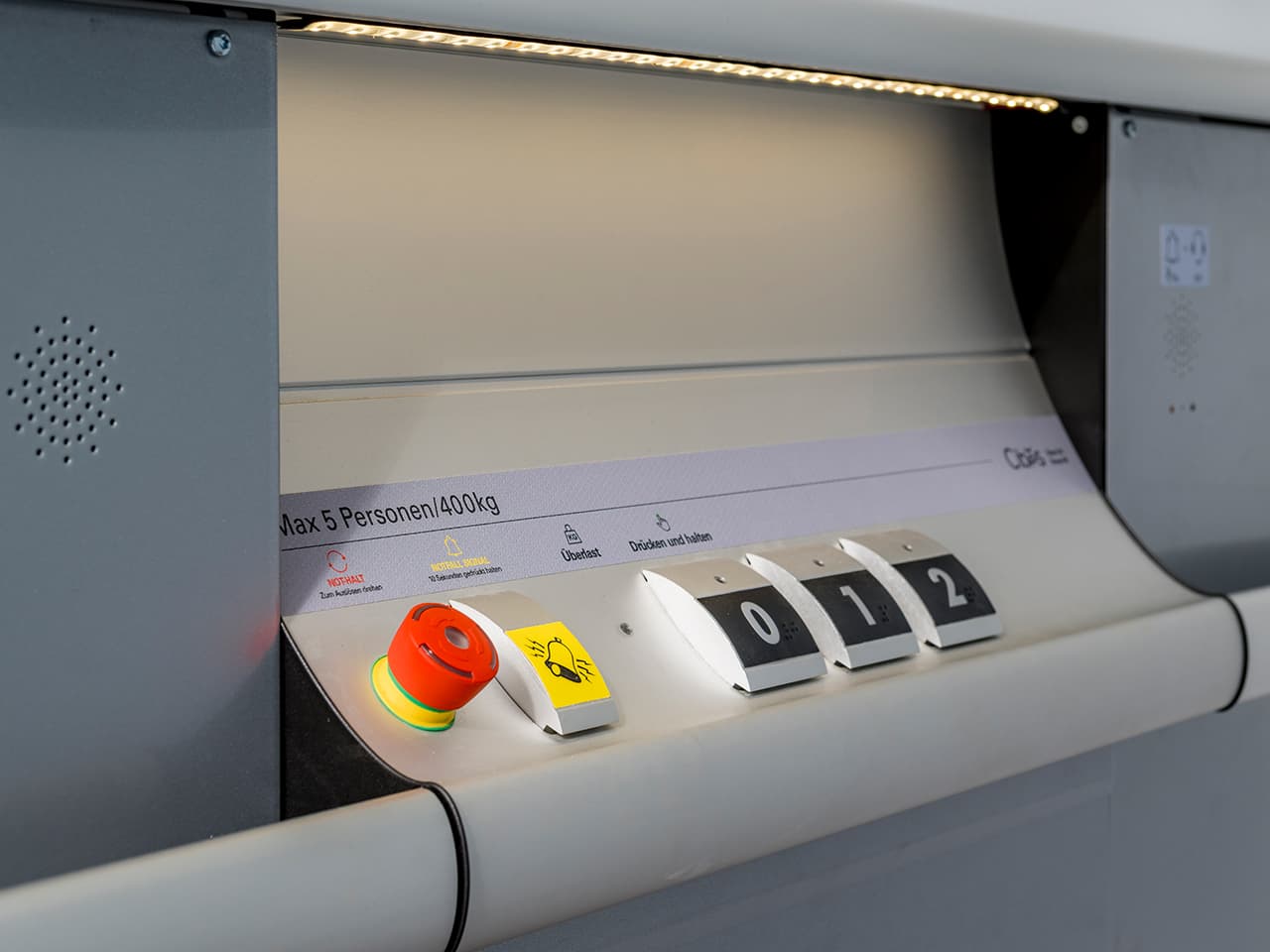
Use a platform lift
a. Once inside the lift and after closing the door, it is ready to function.
b. Press and hold the control button for the desired landing. The platform will remain in motion when the control button is pressed. When reaching the landing, the lift will stop.
c. Once the lift reaches the desired landing, the lift door can be opened.
Safety measure: Operation of the lift using the control buttons takes priority over operation through the call buttons.
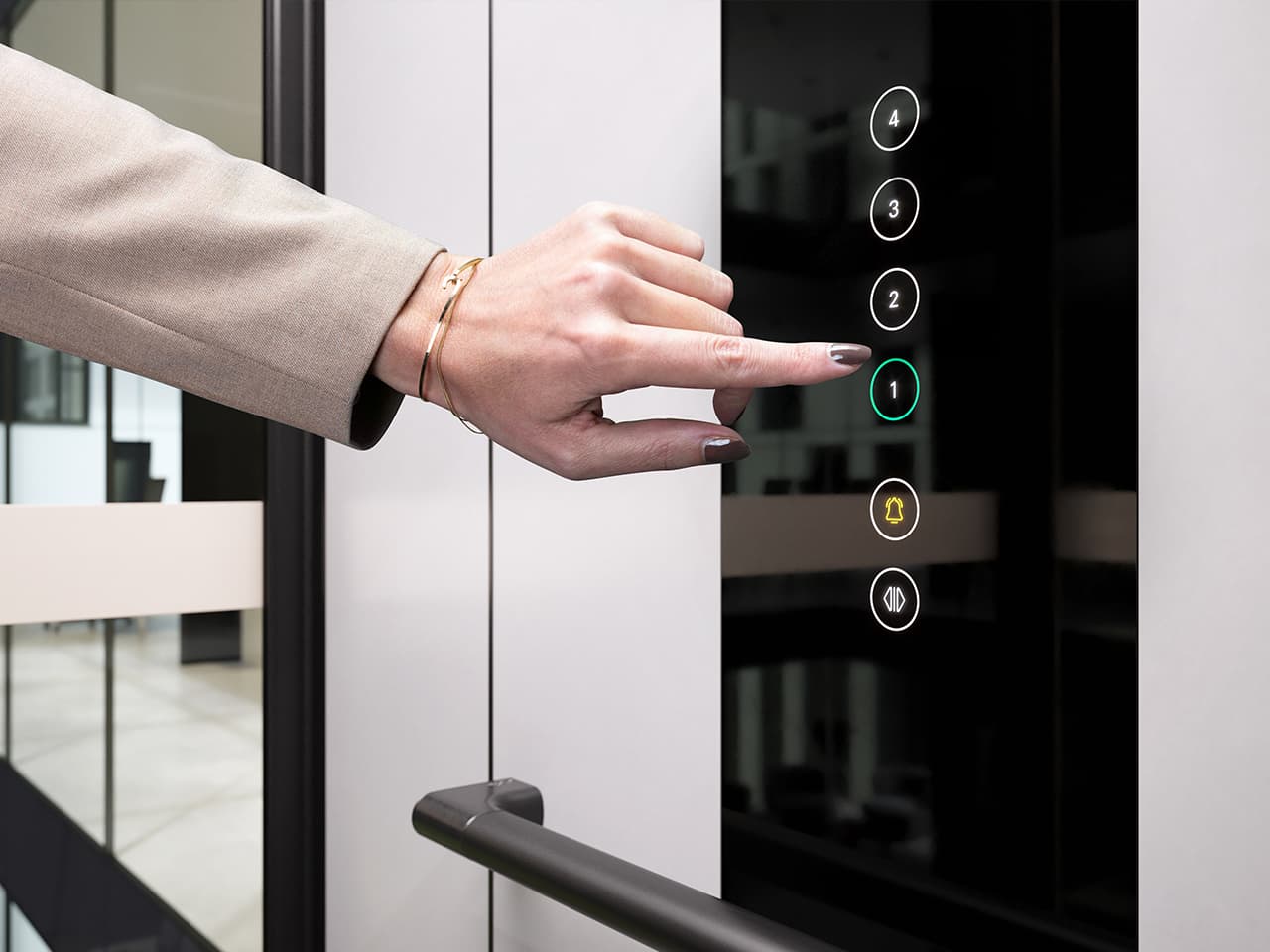
Use a cabin lift
a. Once inside the lift and after closing the door, it is ready to function.
b. Press the button for desired floor and the lift will automatically start and travel to the desired landing.
c. Once the lift reaches the desired landing, the lift door opens.
Safety measure: Operation of the lift using the control buttons takes priority over operation through the call buttons.
Using automatic doors
As an option, your lift can be fitted with automatic doors.
Safety measure: Never force the door open; otherwise, you will damage it, and parts must be replaced.
1. Call the lift
a. Press the call button.
b. Once the lift reaches the landing, the door opens, and you can enter the lift.
2. Use the lift
a. To close the door:
i. Wait, the door closes automatically at the end of the time delay.
ii. Press the control button for the wanted landing. The door closes instantly.
b. To open the door on the same landing or restart the timer:
i. Press the control button for your landing. The door opens/the timer is reset.
c. Once the lift reaches the desired landing, the door opens automatically. Platform lifts have swing doors and cabin lifts have sliding doors.
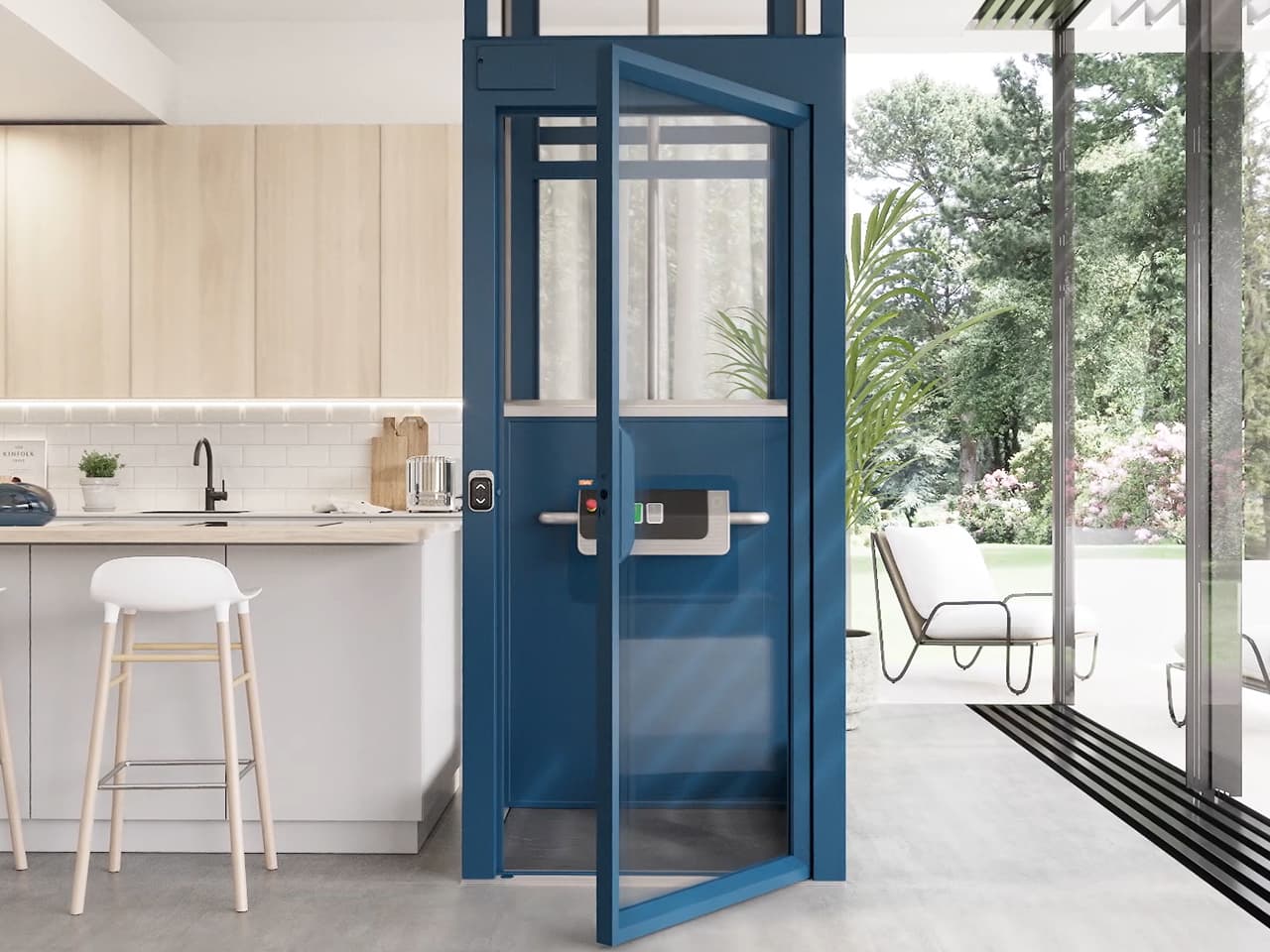
Automatic door opener Cibes Cloud Plus with a swing door.
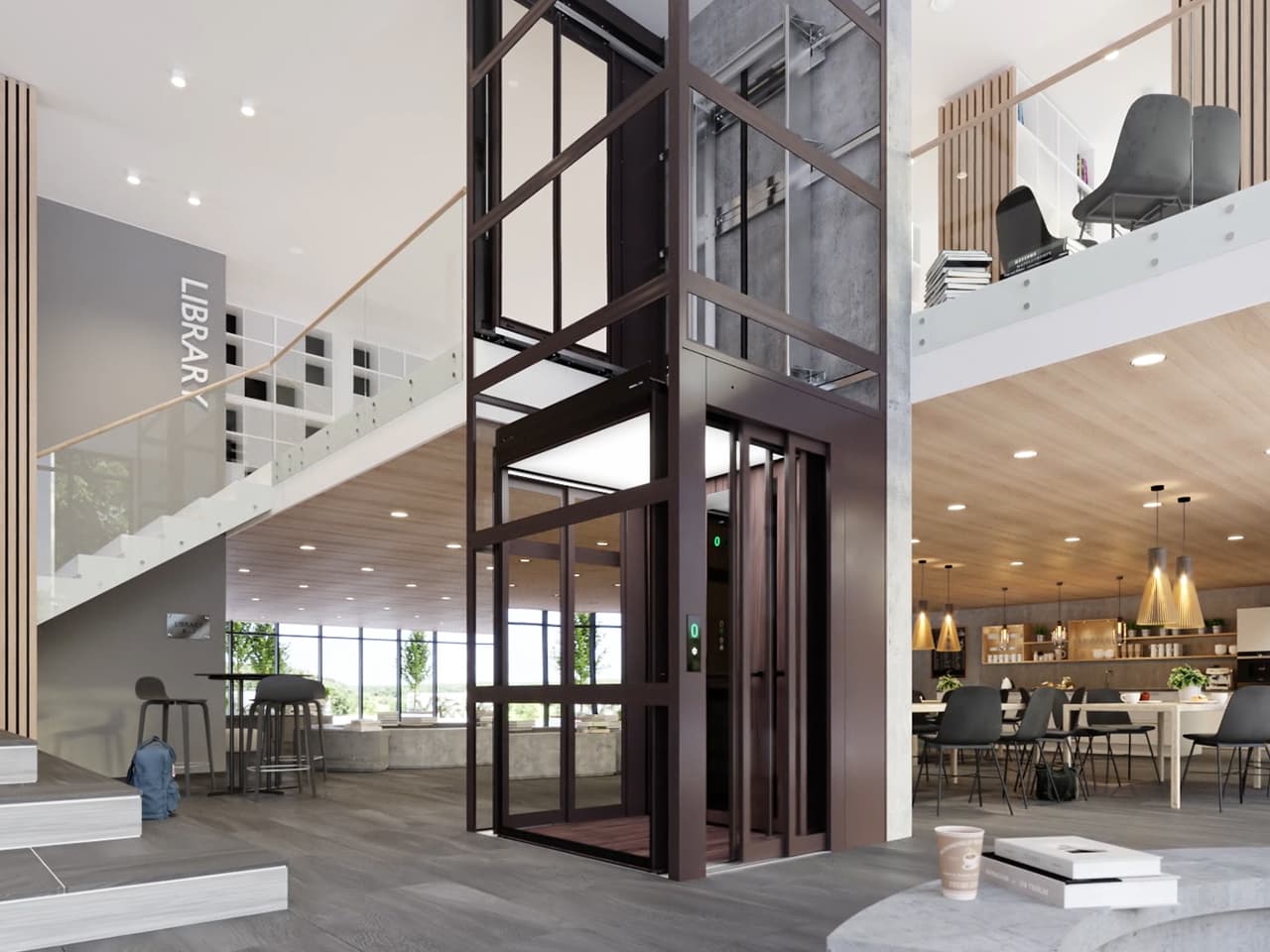
Automatic door opener Cibes C1 Pure with sliding doors.
Operation in the event of a power failure
The lift has an electric emergency lowering system: In the case of a power outage, a passenger can lower the lift to the nearest landing using any control button. Once the lift has reached the landing, the door opens, and the passenger can exit. The lift then goes out of service until the power is restored.
Note that the emergency lowering has the following characteristics:
- During emergency lowering, the travel speed is considerably lower.
- All control buttons move the lift downward.
- The lift’s safety system is always active during an emergency lowering.
- The emergency lighting and telephone system will remain operational for up to one hour after the power outage.
- The doors can be reopened from inside or outside the lift with any button.
- The lift will lower itself to the closest landing below and will not be operational until the power is restored. It will be operating approximately 10 seconds after the power is restored.
- If the lift has been without power for an extended period of time, its battery must be charged for a day before it is operational.
If the lift needs to be operated from outside, emergency lowering and manual door opening must be performed by competent personnel.
Safety measure: Never try to exit the lift if it is stuck between landings. In this case, use the emergency phone and contact someone trained in rescue procedures.
Safety equipment
1. Emergency stop
Below you see the emergency stop buttons of the Cibes A4000/A5000,Cibes Cloud Plus and the Cibes Air. The emergency stop button is always red. The lift stops travelling as soon as the emergency stop is activated and cannot travel again until the emergency stop is deactivated.
a. On the Cibes A4000/A5000 and Cibes Cloud Plus, the emergency stop is activated when it is pressed and the red LED indicator is lit. To deactivate the emergency stop, turn it, as shown on the top of the button. The LED indicator turns off, and the lift is active again.
b. On the Cibes Air, the emergency stop button is activated when you press it downwards. To deactivate the emergency stop, press down the exposed metal tip and raise the emergency stop button up into position again.
Cabin lifts, like the Cibes C1 Pure, do not have an emergency stop button.
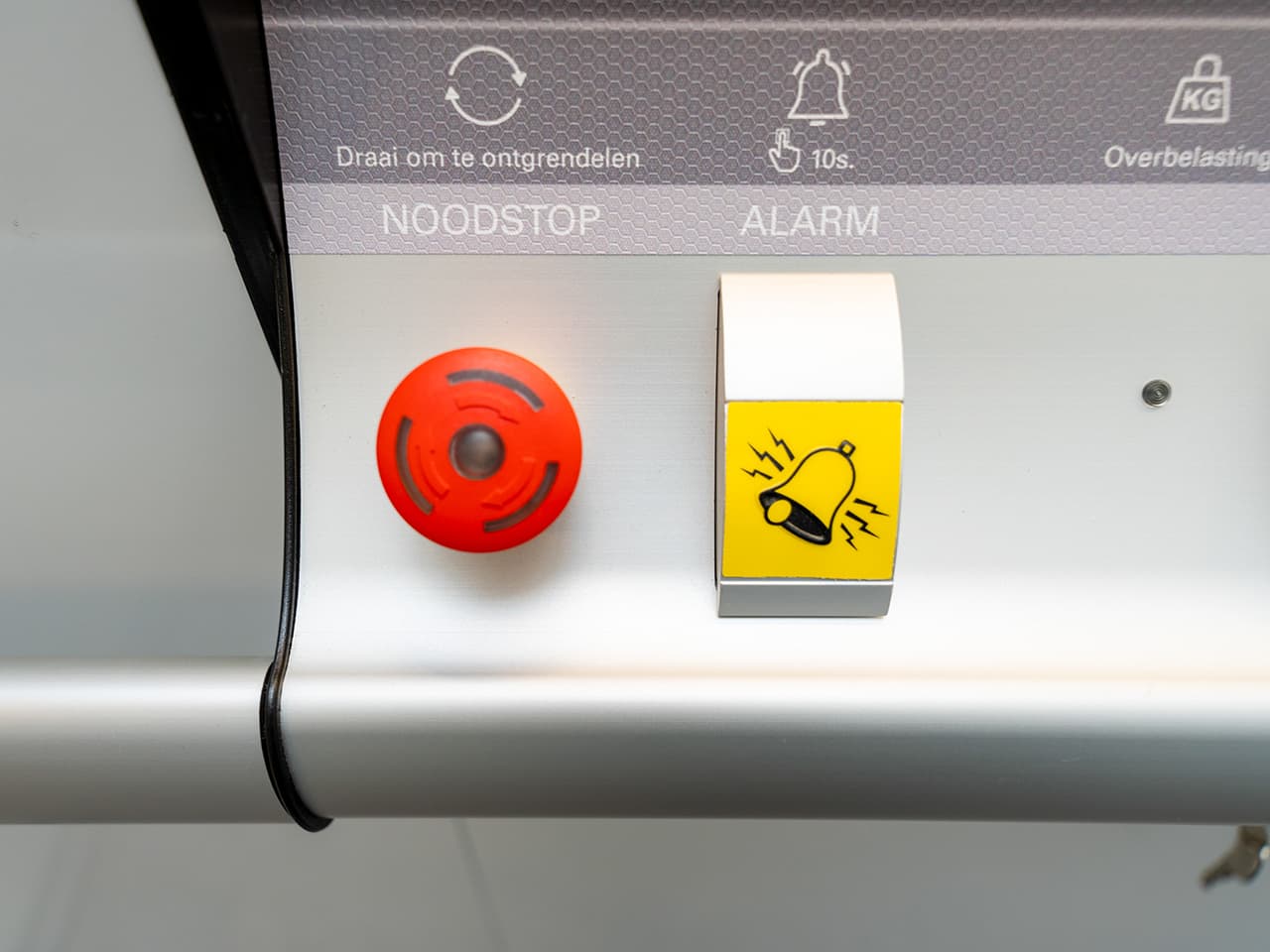
a. The emergency buttons on the Cibes A5000/A4000, the emergency stop button is red and the alarm button is yellow.
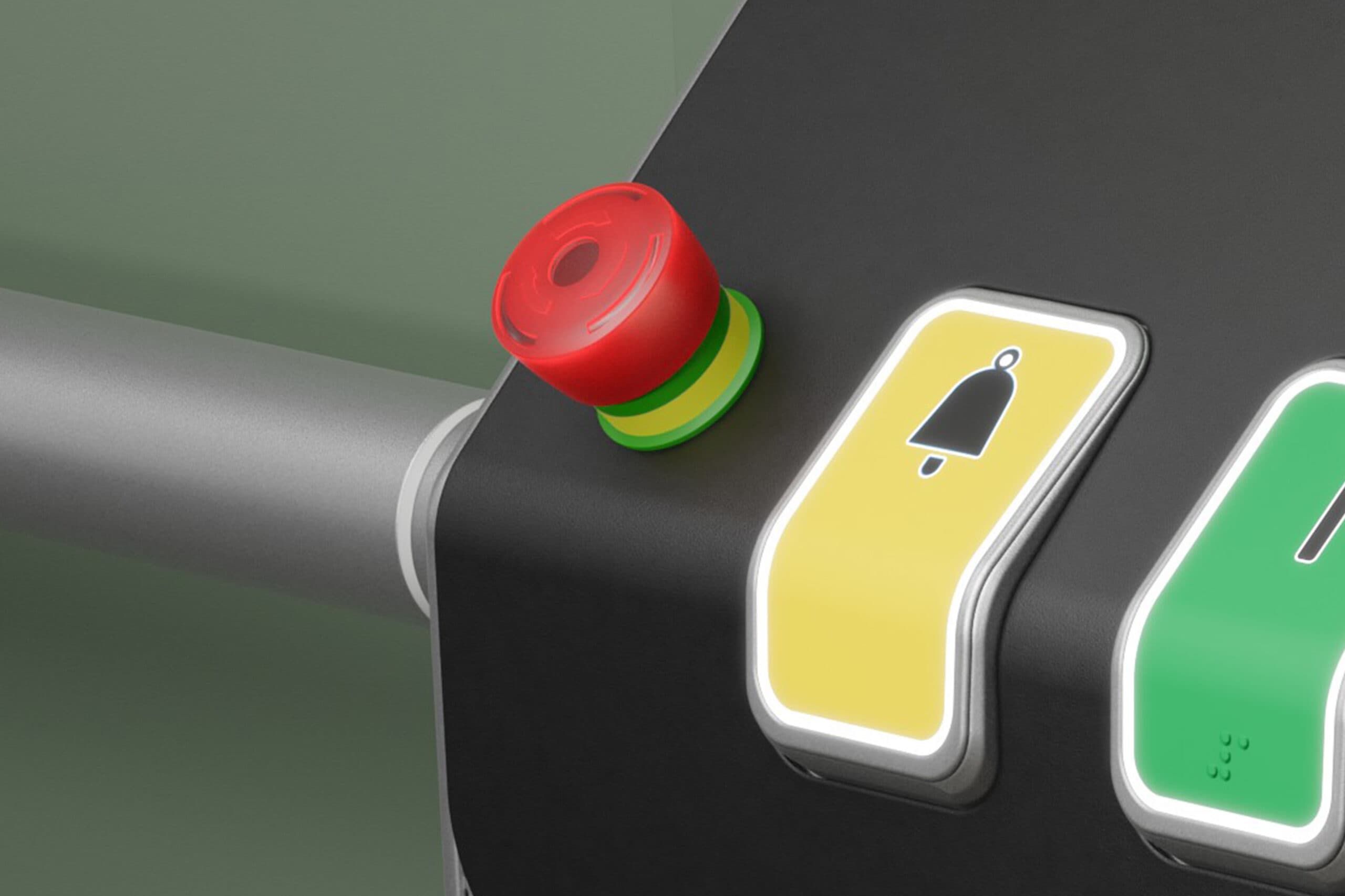
a. The emergency buttons on the Cibes Cloud Plus, the emergency stop button is red and the alarm button is yellow.
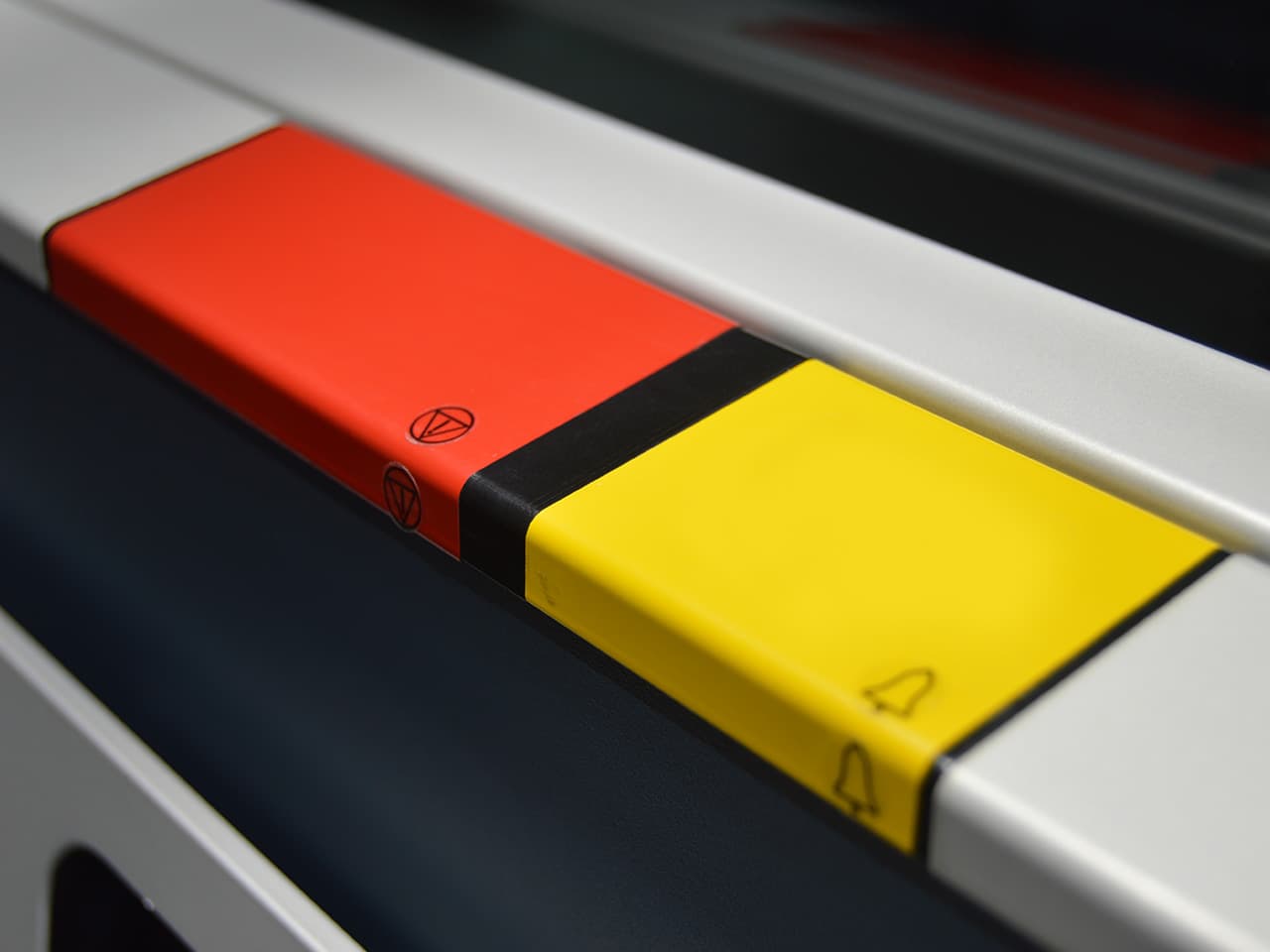
b. The emergency buttons on the Cibes Air, the emergency stop button is red and the alarm button is yellow.
2. Alarm button
The lift control panel features an alarm button for manual malfunction alerts. The alarm button is always yellow. When you press this button, it triggers an audible alarm signal.
- If the lift is equipped with an integrated communication system, pressing the alarm button for 10 seconds activates the emergency call.
- If the lift is equipped with an external telephone handset, the emergency call will not be activated via the alarm button. Use the handset to call the desired number.
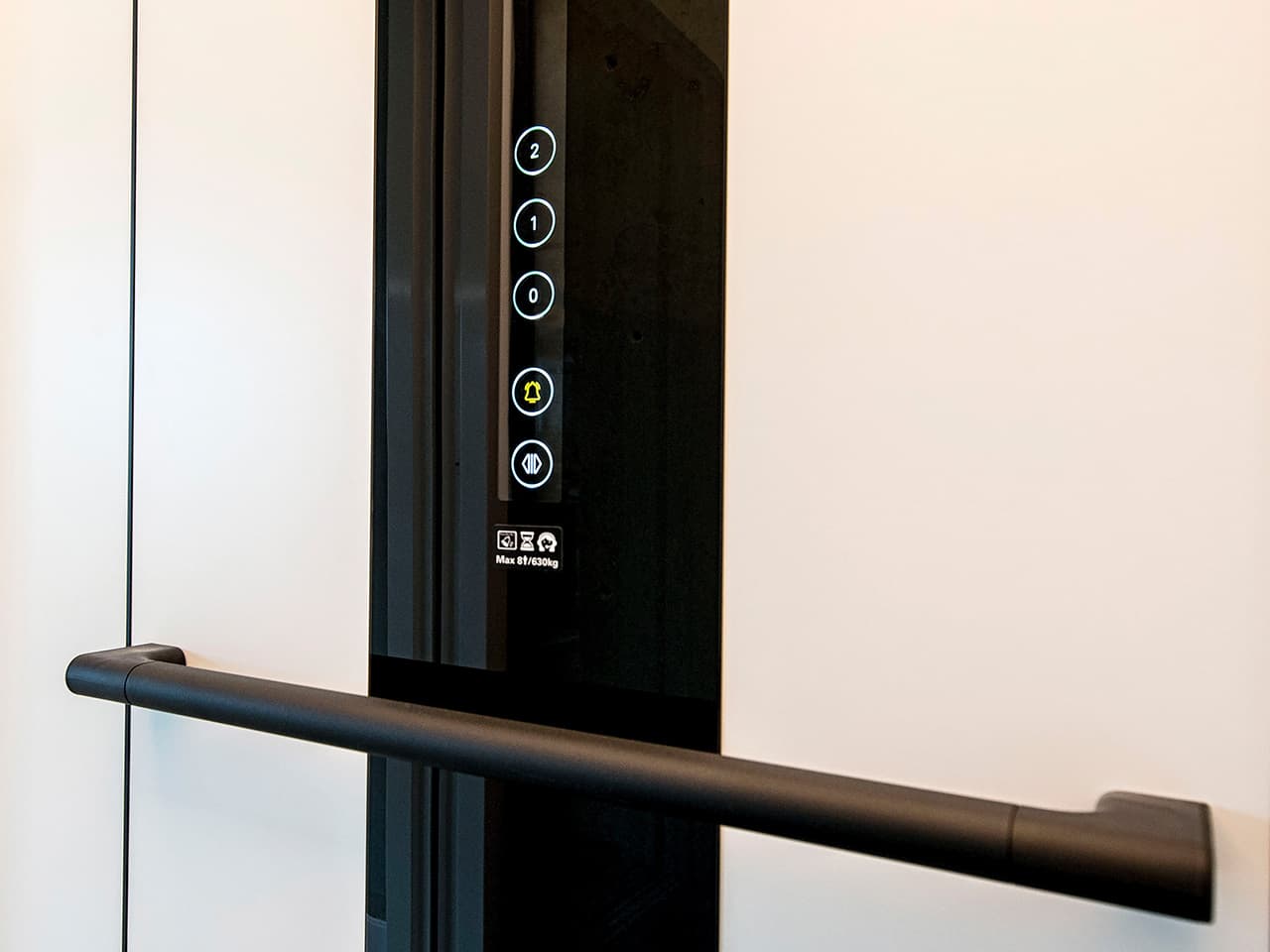
Alarm button on Cibes C1 Pure
The alarm button on the Cibes C1 Pure is yellow or has a yellow bell icon on it, as shown on the touchscreen control panel in the picture. Cabin lifts like the Cibes C1 Pure do not have an emergency stop button.
3. Telephony
The lift is equipped with a telephone system for emergency communication.
a. With an external telephone handset, dial the number you choose from the keypad.
b. With the integrated telephone system of Cibes A4000/A5000 and Cibes Air, hold the yellow alarm button for 10 seconds to trigger the call to the pre-programmed number(s). Multiple numbers can be registered. If the first number called does not pick up, the system will automatically dial the second number, and so on. A yellow light flashes to indicate that the telephone system is online. When a call is triggered, a green light starts flashing. When the call is connected, the green light is steady.
c. With the integrated telephone systems of Cibes Cloud Plus and Cibes C1 Pure, hold the yellow alarm button for 10 seconds to trigger the call to the pre-programmed number(s). Multiple numbers can be registered. If the first number called does not pick up, the system will automatically dial the second number, and so on. These telephone systems have no light indicators.
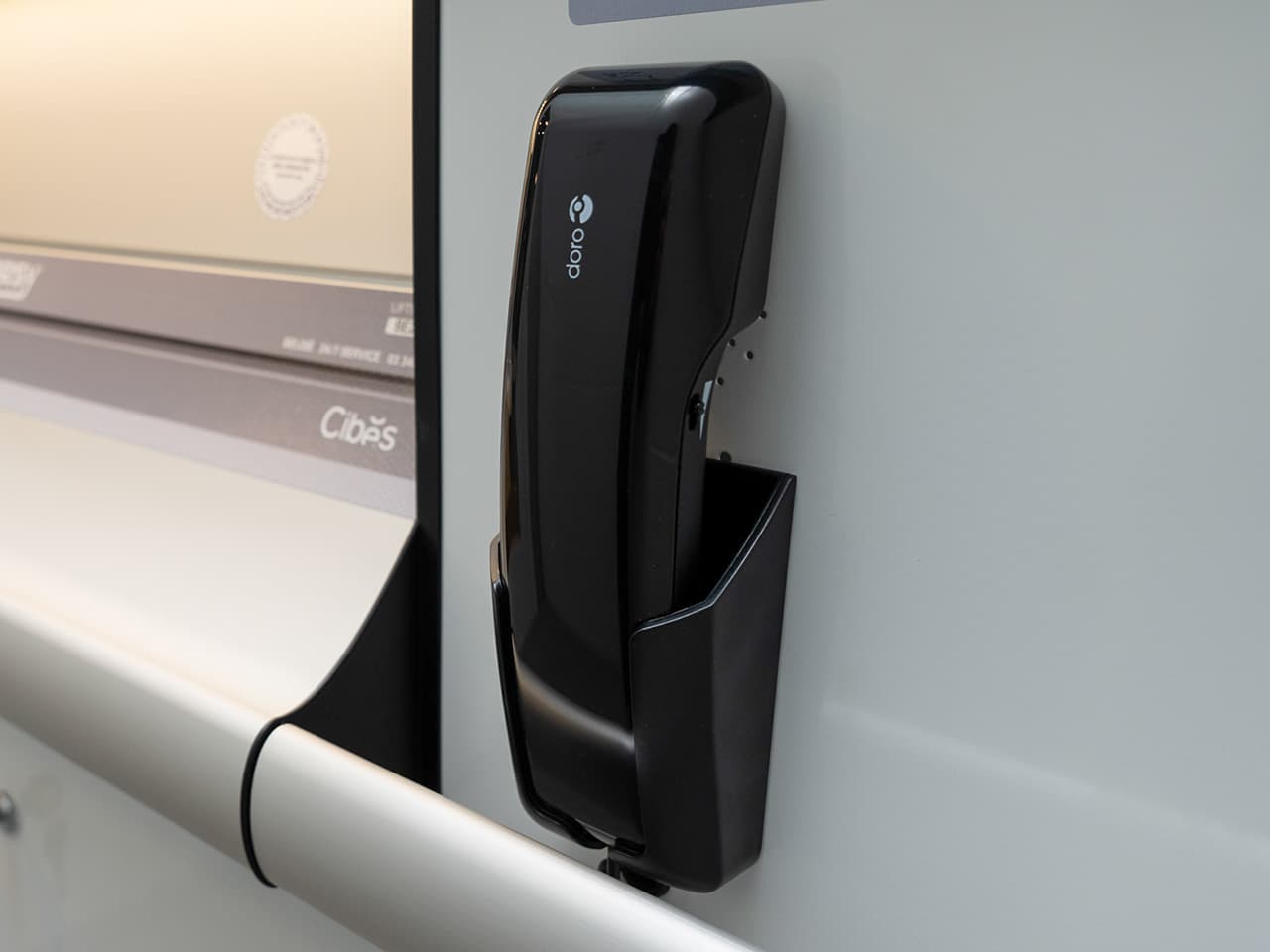
a. External telephone handset of Cibes A4000/A5000 and Cibes Air.
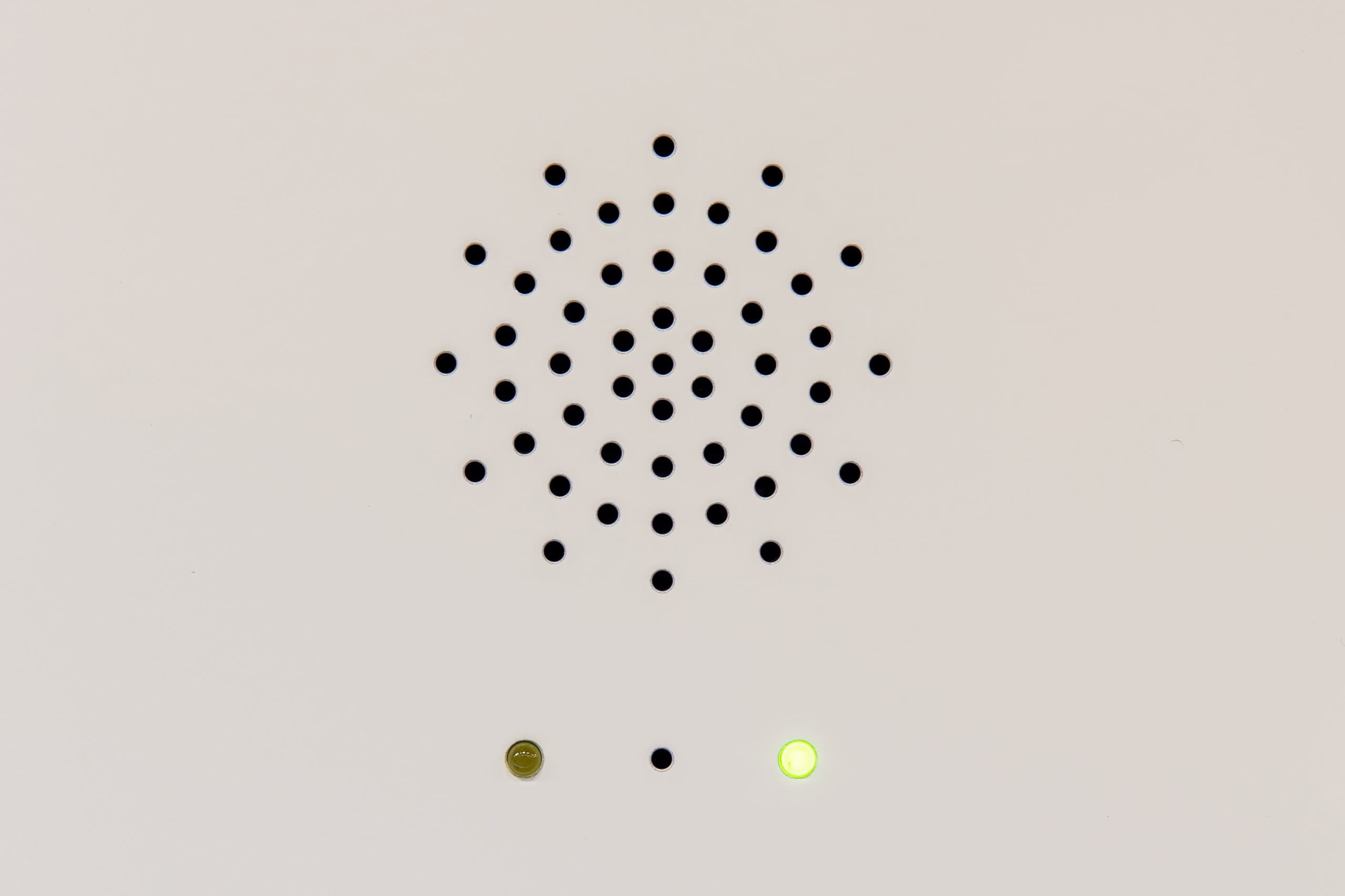
b. Integrated telephone system of Cibes A4000/A5000 and Cibes Air.
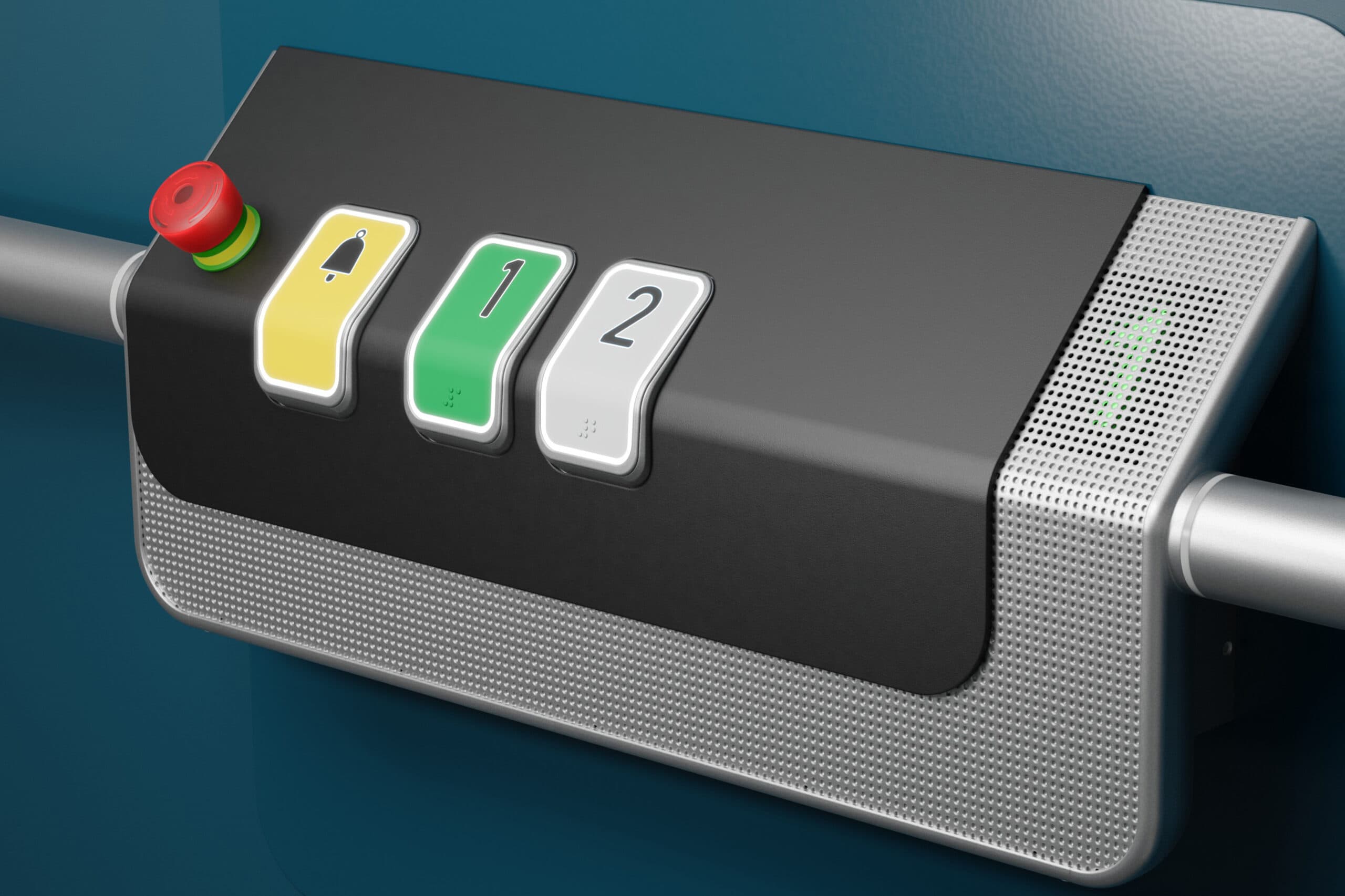
c. Integrated telephone system of Cibes Cloud Plus hidden behind the metal mesh.
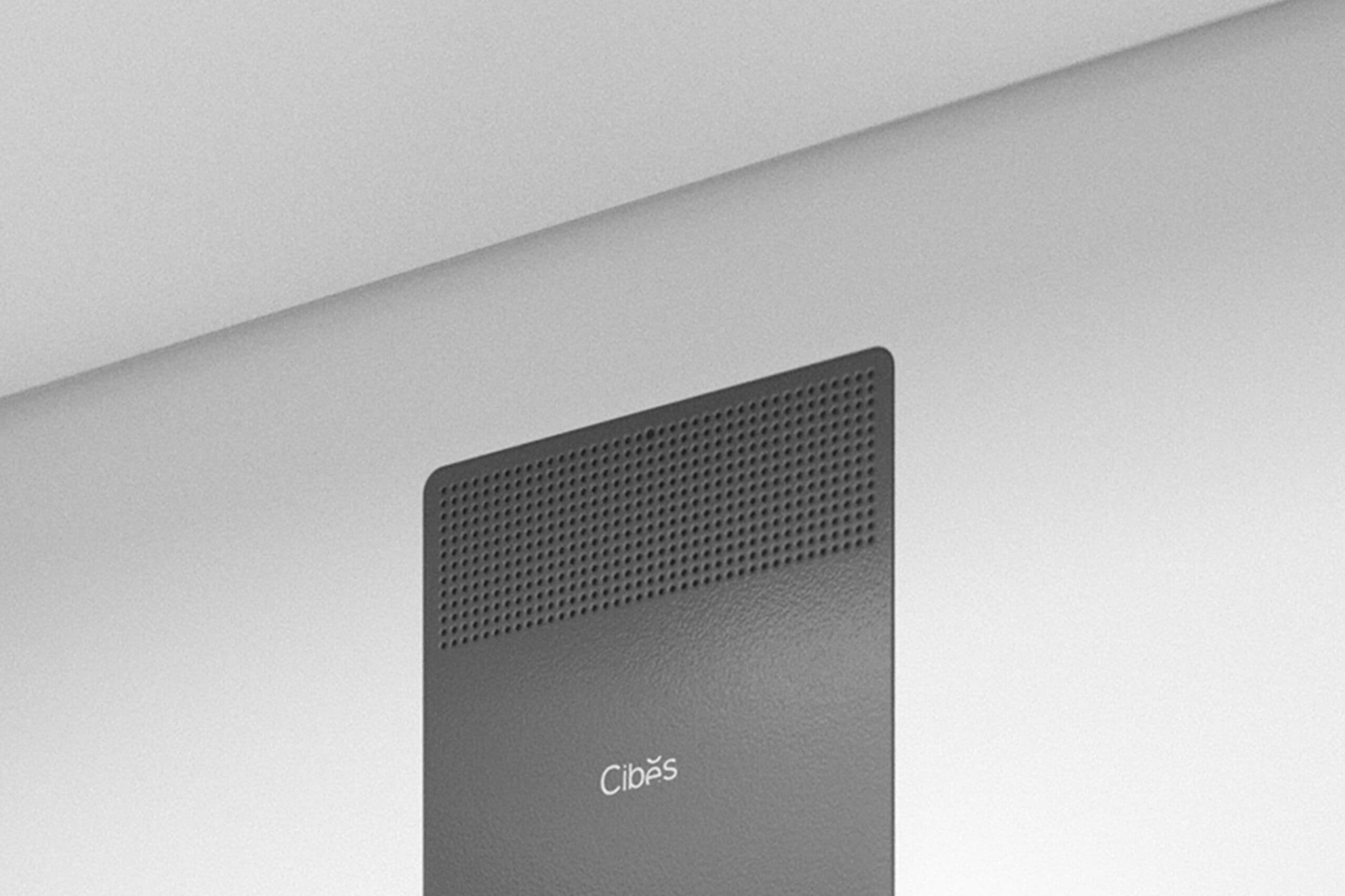
c. Integrated telephone system of Cibes C1 Pure at the top of the control panel.
Safety edges and safety bar
Platform lifts have safety edges along three sides of the floor and a safety bar above the control panel. Cabin lifts do not have safety edges or safety bars.
The lift will stop if:
a. The safety bar or one of the safety edges is pushed down.
b. Something is stuck between the lift shaft and the safety edges/bar.
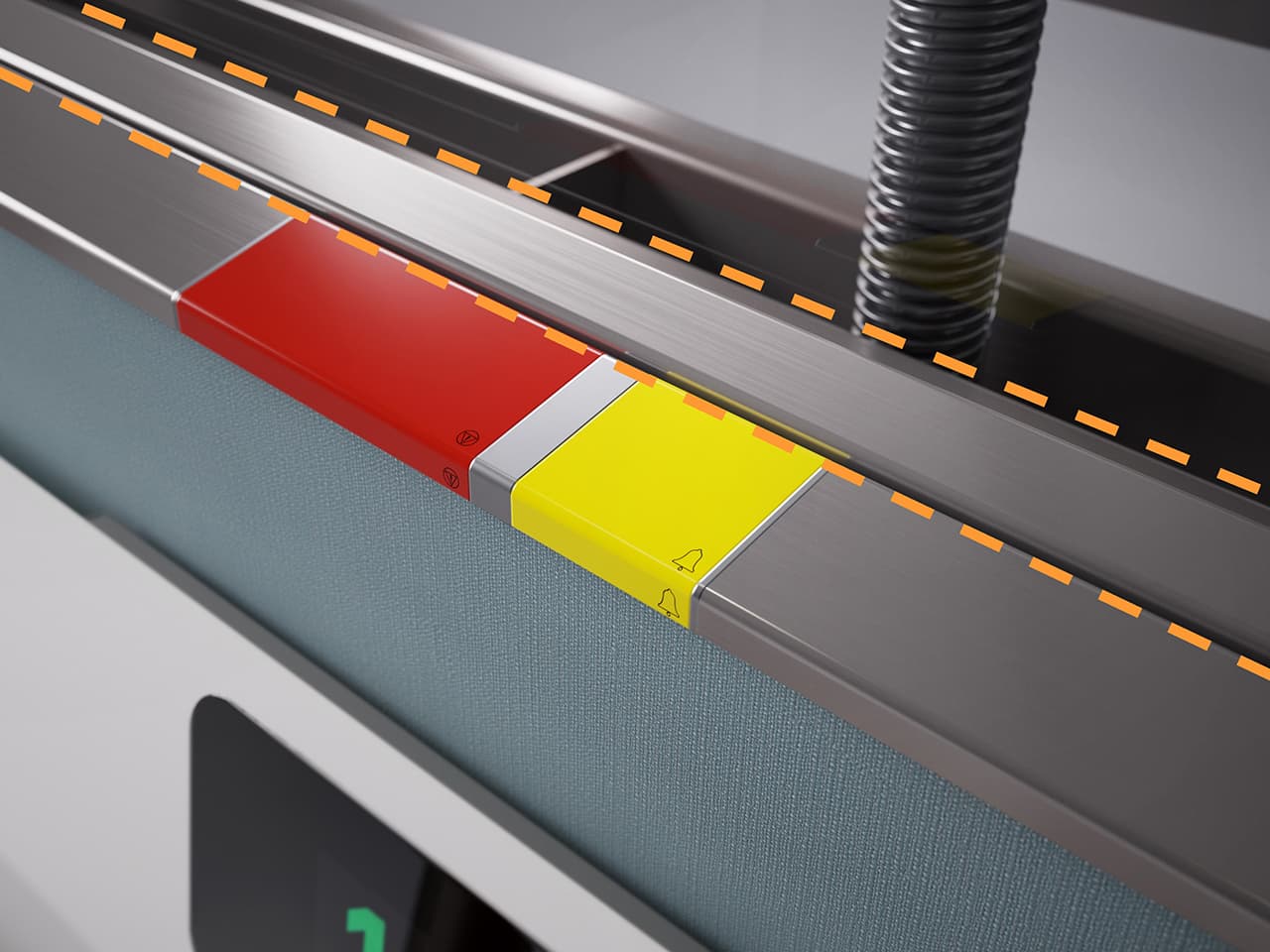
The safety bar of the Cibes Air.
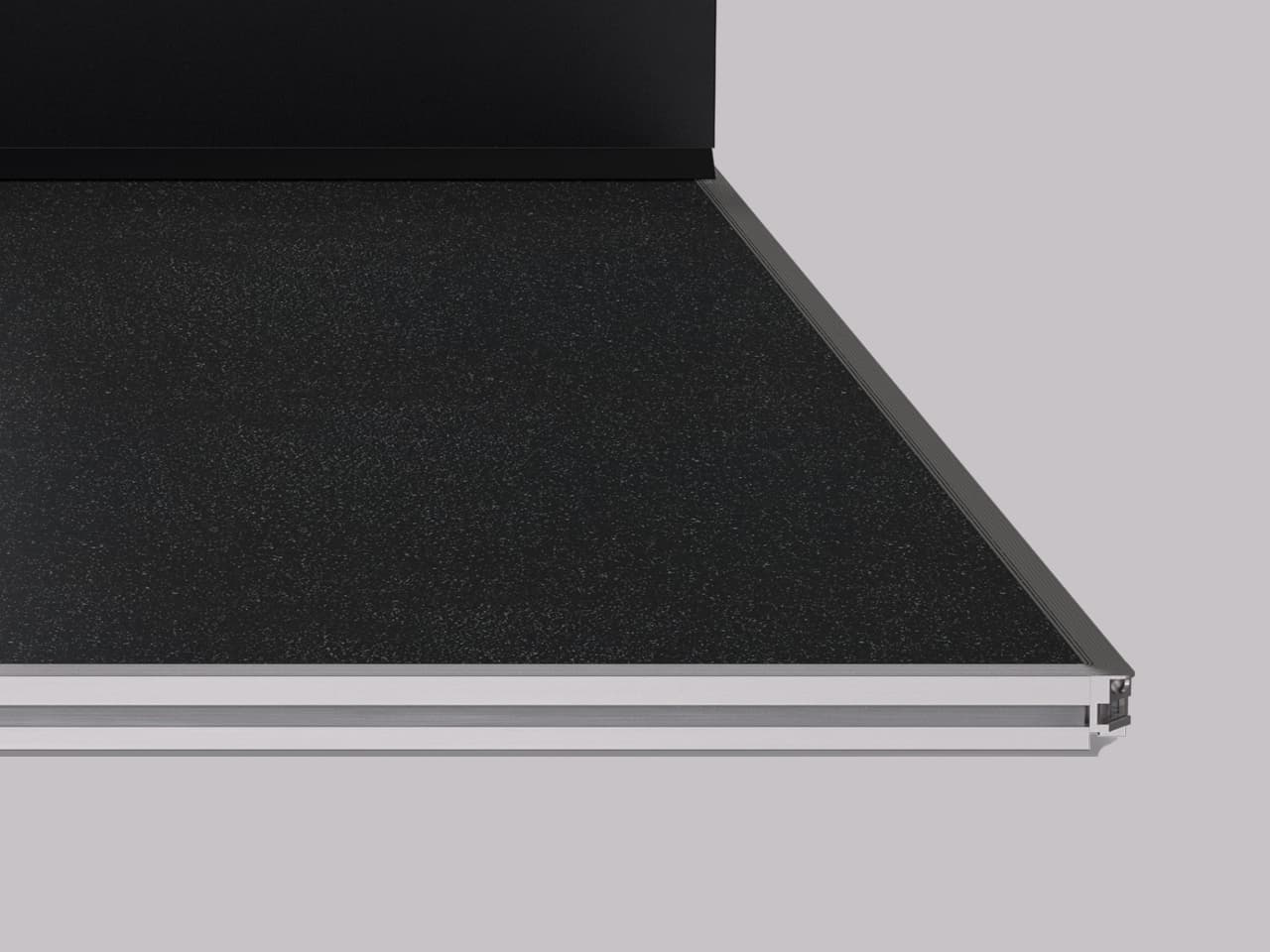
Standard safety edges.
Troubleshooting
Caution: Never try to exit the lift if it is stuck between landings. In this case, please use the emergency phone to call for help.
If the lift does not start, perform these basic checks:
- Are all landing doors correctly closed and locked?
The lift cannot move if a door is open. - Has the lift been without power for more than 2 hours?
Depending on the duration of the power cut and the condition of your batteries, a recharge may be necessary. Contact your maintenance personnel if in doubt or after a 10-hour power cut. If the batteries need recharging, the call button will flash. - Are any of the safety edges or the safety bar activated?
Remove all pressure from safety equipment. - Is the emergency button activated?
Cibes A5000: turn the button to release it.
Cibes Air: Press down the exposed metal tip and raise the emergency stop button. - Are the lights on the lift flashing?
The lift is resetting and will resume in two minutes. - Is there an audible alarm, and are the control panel buttons flashing?
The lift is overloaded. - Is a message displayed on the level indicator at the landing?
Communicate this message to your technician for diagnosis.
If nothing of this works:
- Contact your Cibes Lift maintenance personnel
They will be able to put the lift back into working order.
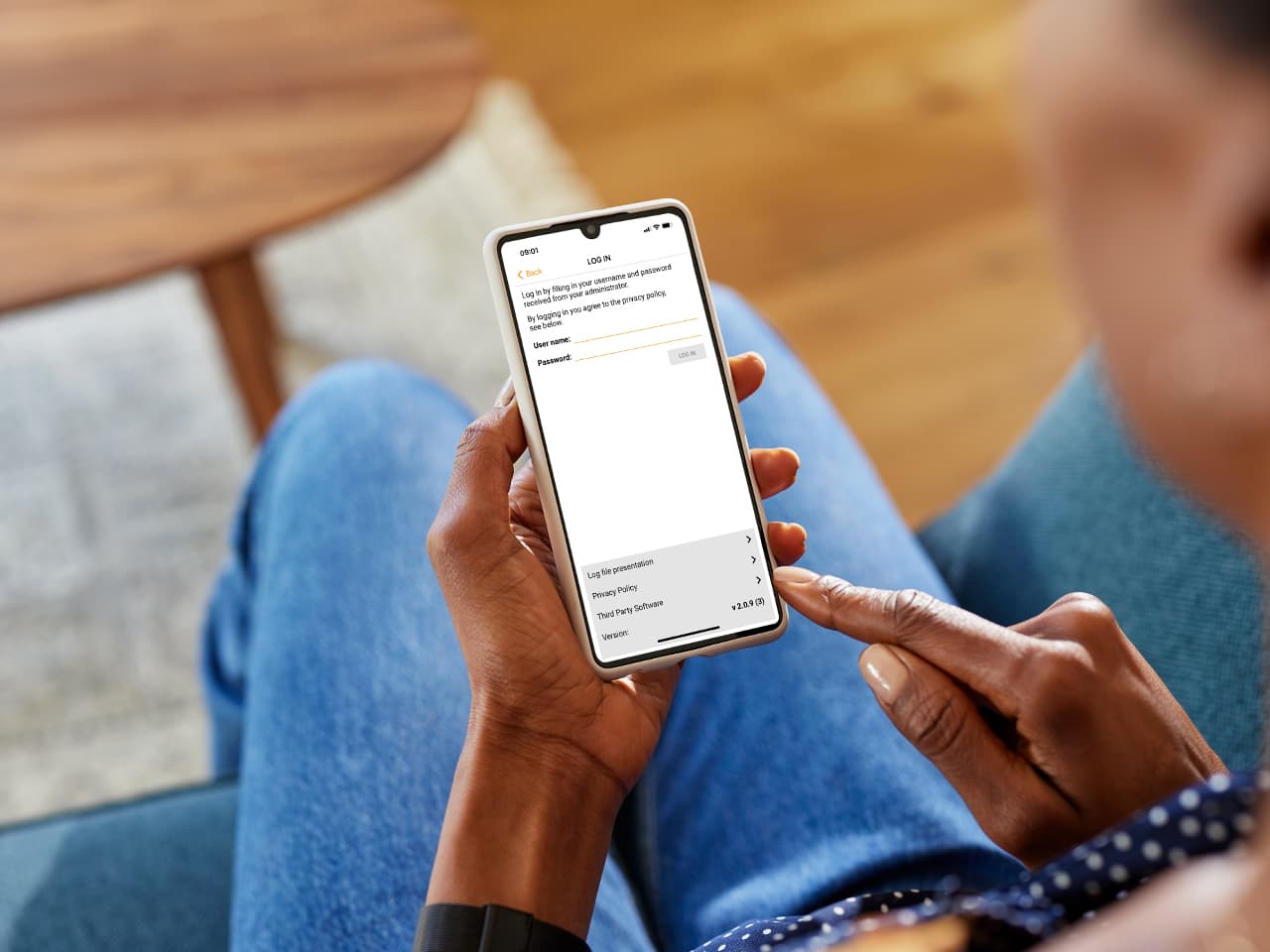
Download the CLG CiMon app
We recommend that you download the “CLG CiMon” application from the App Store (iPhone) or Google Play (Android). This app will help you provide useful lift information to a Cibes Lift technician in case of a lift malfunction.
The CLG CiMon app only works for lifts manufactured from January 2023.
How to use CiMon to get technical support
When you open the CiMon app, there will be a list of available Bluetooth devices. In that list, choose your lift. The app will ask you to enter the lift’s CiDis number, given to you at installation. When you have entered the number, a code will appear on your mobile screen. Give that code to the lift technician. It allows the technician to connect to your lift remotely. It also lets you download and send the lift log file to the lift technician.
Extending the lifetime of your lift
Installing a lift is an investment in your comfort. It must be used and maintained correctly to extend its lifespan.
3 ways to extend the lifetime of your lift:
1. Follow the instructions in this user manual.
Keep this manual to ensure the proper functioning of your lift.
2. Schedule regular maintenance
Following the maintenance schedule will help ensure that your lift is in good working order.
3. Carry out regular checks
Inspect the parts of the lift, such as buttons and handles, to prevent possible malfunctions between maintenance visits. If the lift starts to make strange noises, contact your maintenance personnel.
How to contact Cibes Lift:
You can contact us for advice. As a manufacturer, we are committed to meeting your requests. Please send an email with the lift number* to: info@cibesliftgroup.com
*The lift number is indicated on the CE sticker on the control panel.
Cleaning your lift
Given the variety of materials used in the manufacture of lifts, take care to use the right product in the right place to ensure the longevity of the parts of your lift.
To keep your lift clean throughout its lifetime, follow the below steps:
1. Interior cleaning
a. Use an alcohol-based solution on painted surfaces like the control panel. Be careful not to spray directly on any buttons.
b. On unpainted surfaces, such as buttons, it is recommended to use an alcohol-free solution so as not to damage the plastics over time.
c. Use a vacuum cleaner for the floor.
Danger: Keep all liquids away from electronic components. If contact occurs, unplug the lift immediately and wipe the piece as dry as possible, then contact your competent personnel.
2. Ceiling cleaning
Use a vacuum cleaner with a soft nozzle to remove any dust. If there are stains, remove them with a cloth. Ensure not to come into contact with lighting surfaces.
3. Cleaning the bottom of the lift pit
Only competent personnel must clean the bottom of the lift pit. This is included in your maintenance visits. Do not enter the pit to clean.
4. Exterior cleaning
Use a cloth, warm water, and soap to clean the doors, shaft, and glazing. For steel surfaces, be sure to use a non-corrosive cleaning product.
Caution: If you have an outdoor lift, keeping a clean area free from gravel and leaves, in front of the lift is essential.
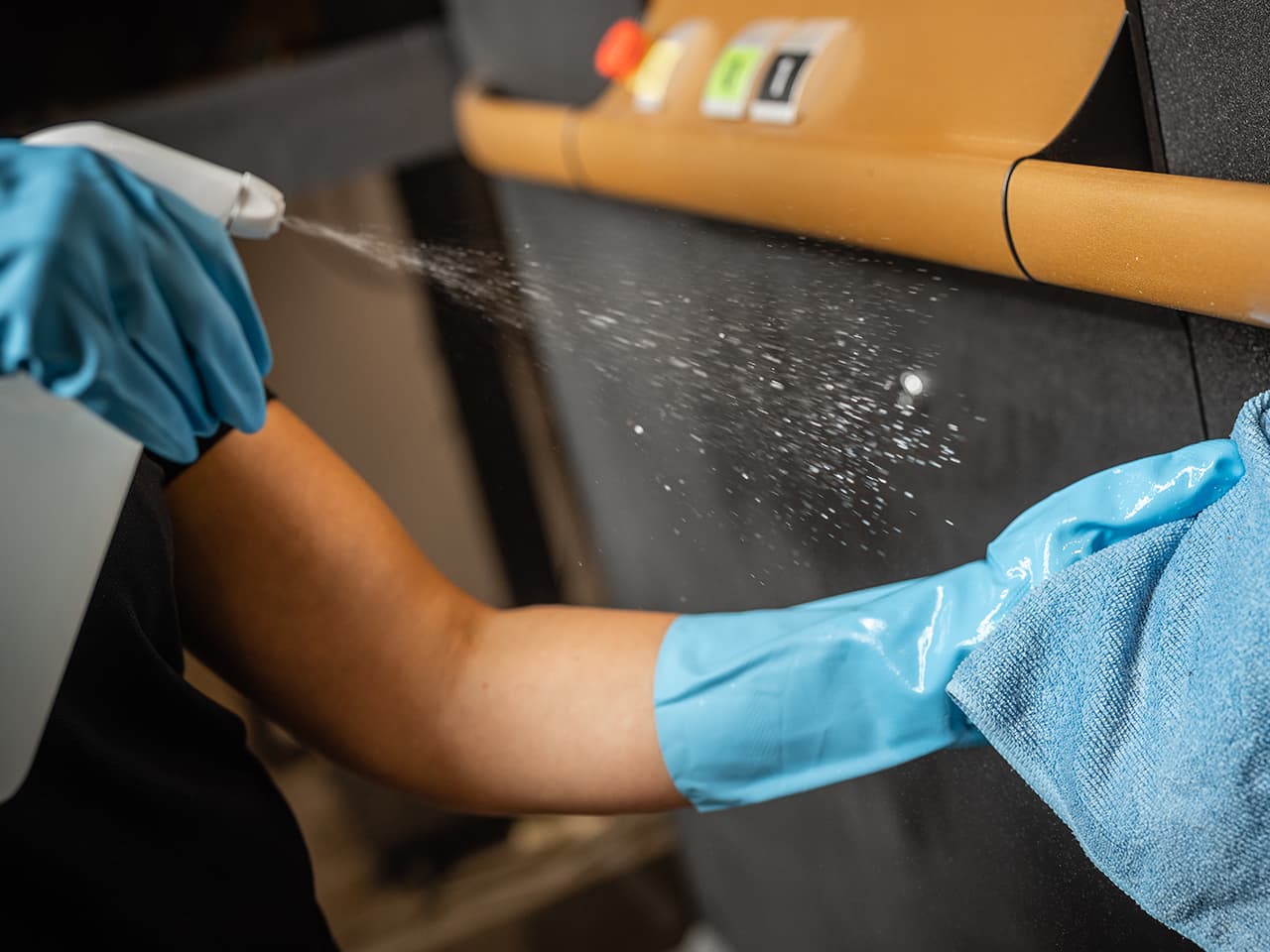
Never spray water or cleaning product directly on the lift. Always spray on the cloth.
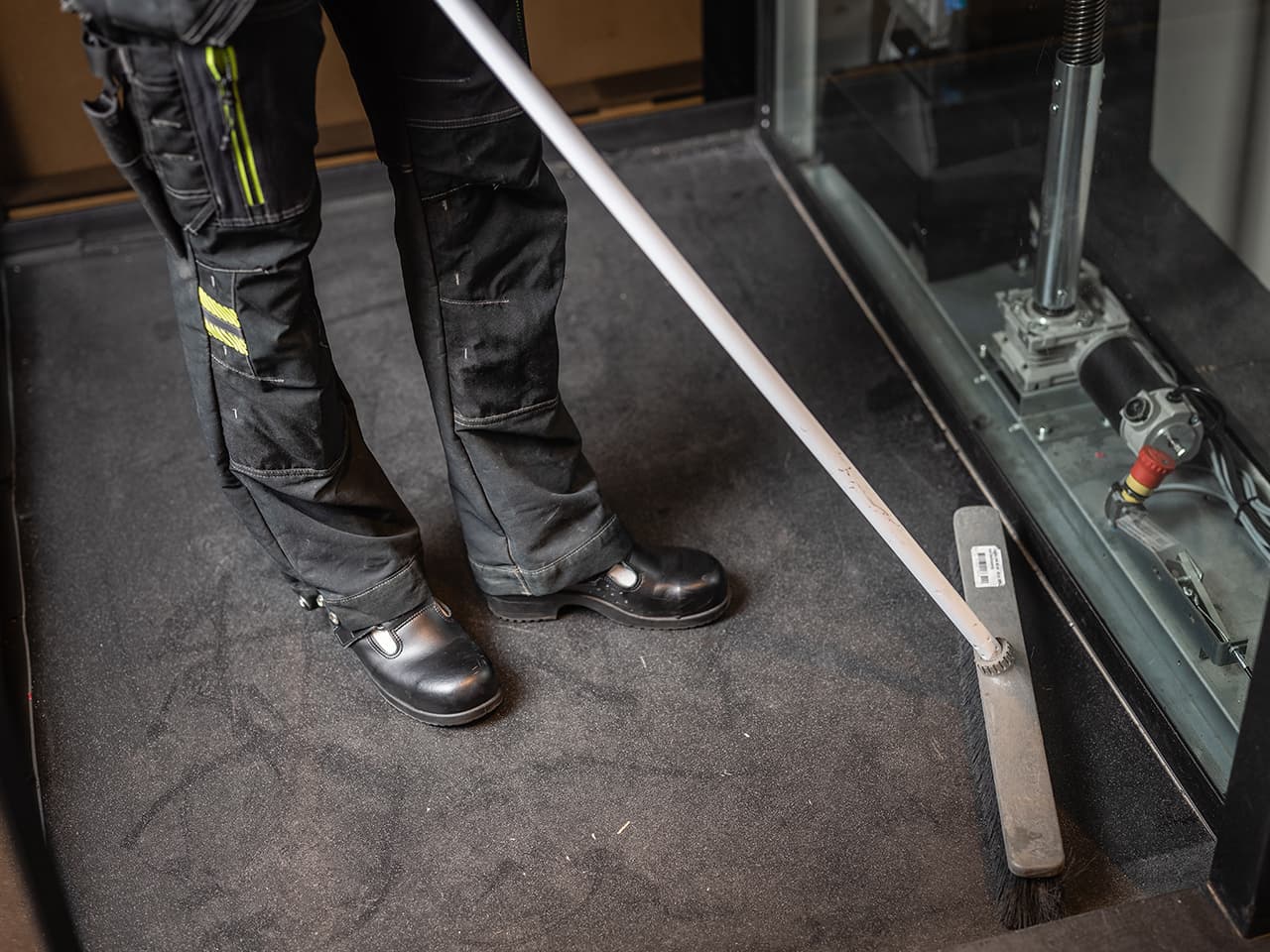
Never clean the lift pit yourself. Pit cleaning must always be performed by competent personnel.
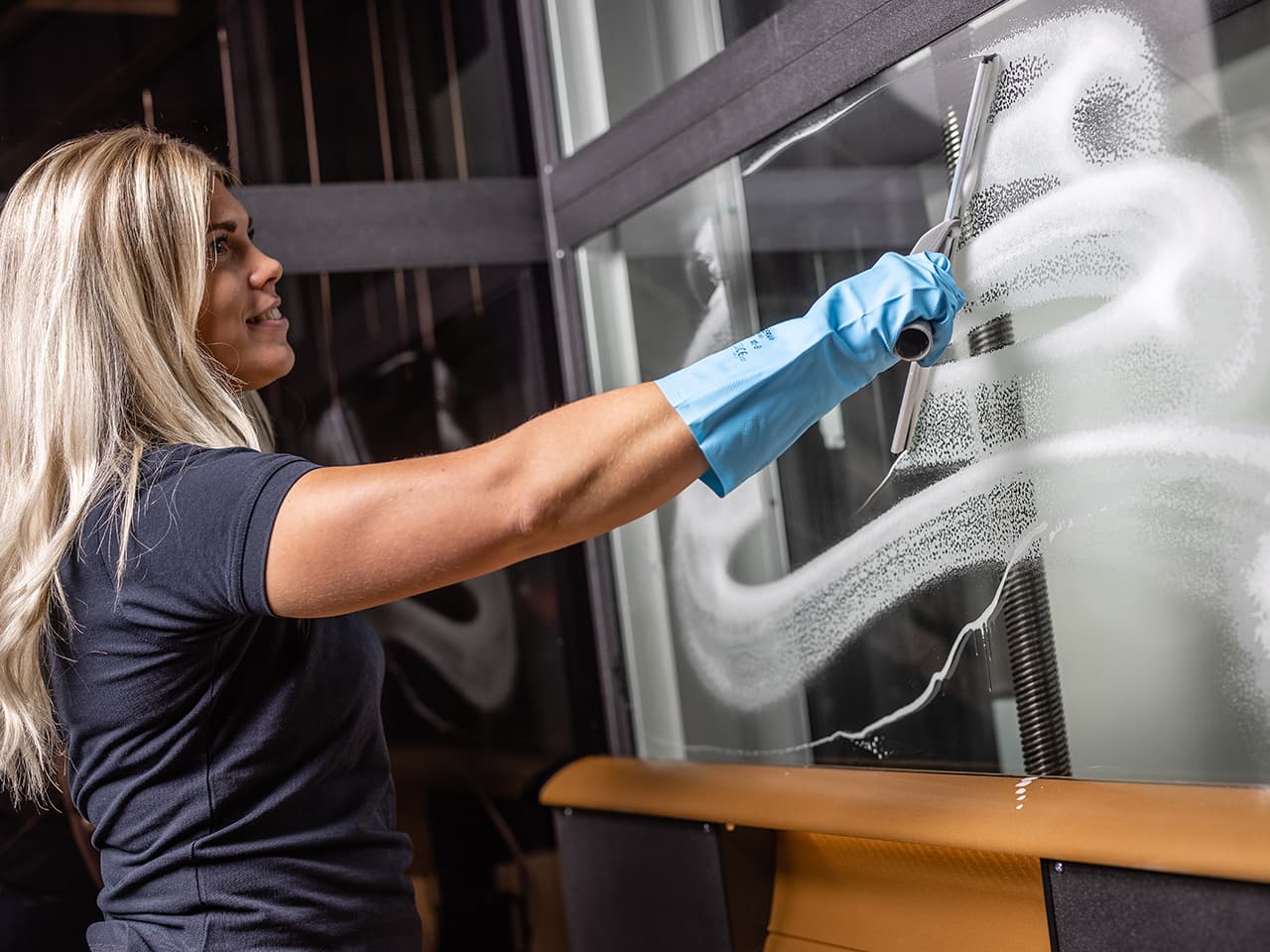
Always make sure to use mild, non-corrosive detergents to clean the exterior of your lift.
Cleaning your Cibes Air
Linen finish
Dust is drawn to linen. Regular cleaning is vital for fabric covered surfaces. We recommend using a textile spray. This makes it more difficult for dirt to set and will be easier to remove. Vacuum the fabric with a suitable nozzle once a week.
If the fabric has been stained, follow the steps below:
- Act as soon as possible
Start by trying to remove the stains with a damp cloth. A detergent foam for cleaning fabrics and furniture can be used for more prominent stains. Always read the product information on how it should be used first. Do not use stain removers not intended for cleaning fabrics and furniture, as they can bleach your fabric. - Always use white cloths
Try to avoid rubbing the stain. Apply detergent, let it set, then press the stain several times with a clean cloth, paper towel, or sponge. This draws out the stain. If you must scrub, use circular movements toward the center of the stain. If the fabric is to be disinfected, it must be thoroughly cleaned first. Please note that disinfection of fabric may cause some colour bleaching. Use neutral ethanol if necessary.
Avoid disinfectants containing bleach.
Wool finish
Wool does not attract dirt as quickly as other fabrics. Vacuum or brush the fabric once a week. Regular cleaning helps detect stains before they stick. This will make stain removal easier.
If the fabric has been stained, follow the steps below:
- Gently scrape off the stain and vacuum/brush the fabric. Do not use a too sharp tool to scrape, as this may damage the fabric if the stain has dried.
- Use ordinary detergent with Neutral pH, diluted in lukewarm water if the stain is not removed. Always read the product information on how it should be used. Avoid heavily dampening the wool, which may leave stains and shrink the fabric.
- Wipe off as much as possible with a dry cloth, towel, or sponge.
- Press a dry cloth, paper towel or sponge to the fabric each time water is added to remove moisture and dirt.
- Use clean water without detergent for final cleaning. The area may appear darker than the surrounding tissue after cleaning with water. This will become less noticeable over time. Wool can be disinfected with ethanol, but this will damage the wool’s natural fat (lanolin), cause colour changes, and shorten the life of the fabric. Therefore, this method should only be used if no other alternative exists.

Linen finish
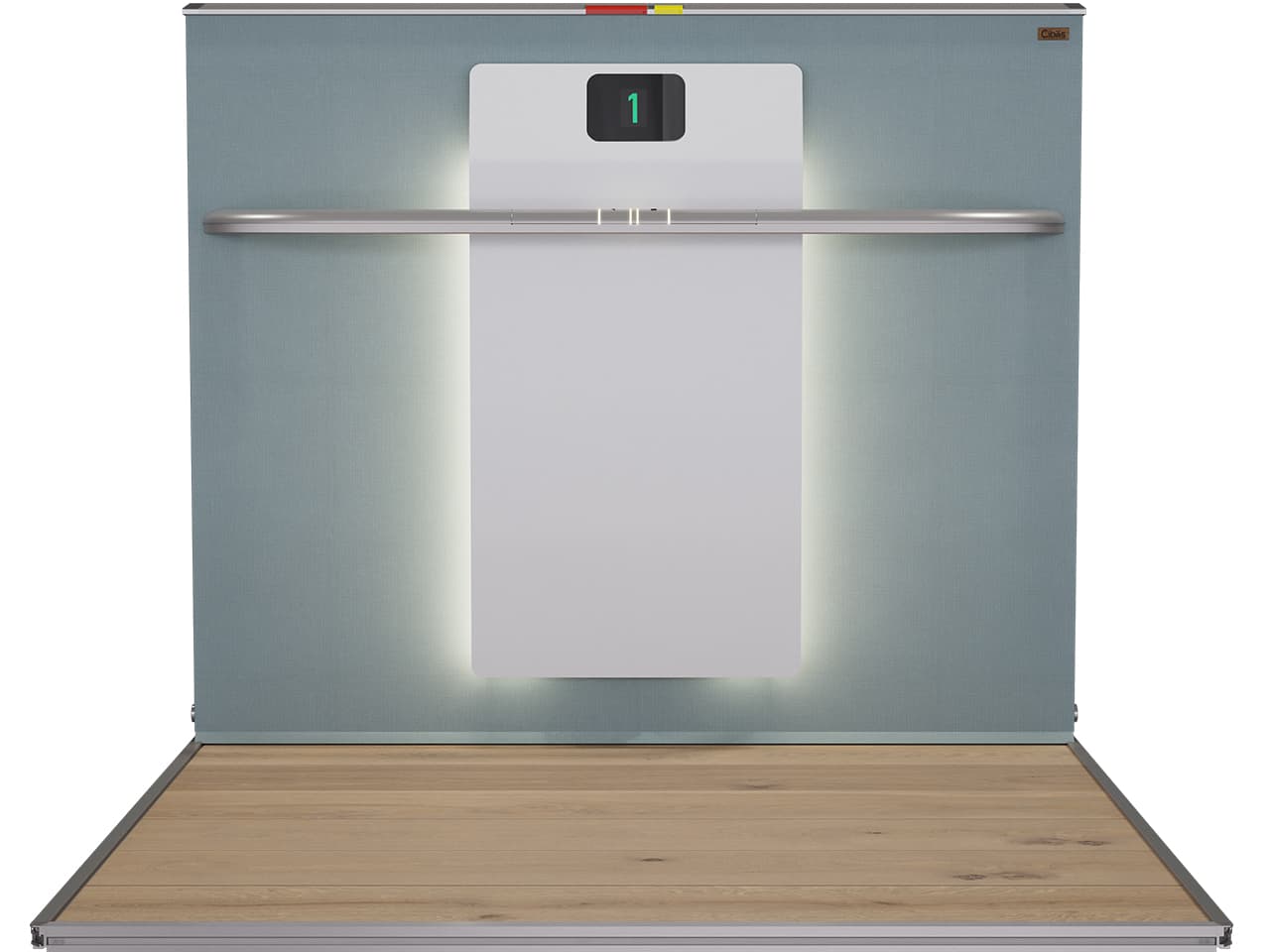
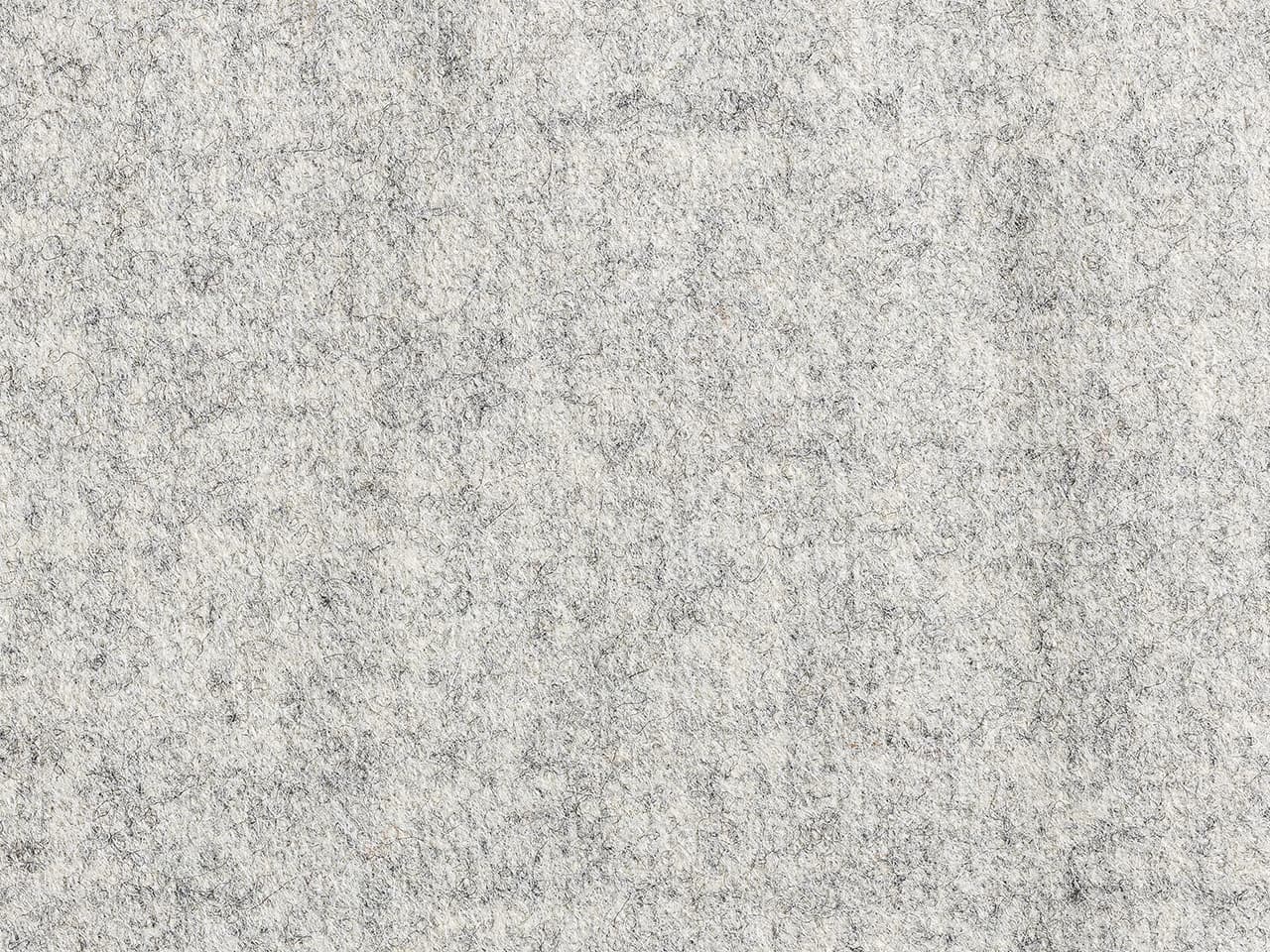
Wool finish